[2025]Ubuntu下 qBittorrent 5.1.2 安装
序言:本人有下载动漫到自建服务器需求,而服务器受性能与内存所限优化掉了图形化桌面,所以我需要一个不依赖图形化桌面的BT下载器,故选定了qbittorrent-nox(no X server),使用webUI的方式变相实现交互。前期使用4.*版本,使用一段时间后频繁出现RSS订阅更新失败等问题,而在PC端的5.*版本则没有类似情况,于是决定升级版本。旧版本为使用apt源安装,而新版本则需要自行编译,过程较为繁琐。鉴于网上资源较为过时,故一一记录,以供参考。
0. 环境介绍:
OS:Ubuntu-22.04,x86
科学上网环境(确保支持BT下载)
1. 访问qbittorrent github 主页,查看相关引导:
访问(https://github.com/qbittorrent/qBittorrent/blob/master/INSTALL) ,可以了解到依赖项主要有Boost,libtorrent-rasterbar,Qt(其余可以直接apt下载),故下面进行逐个安装。
2.依赖项安装
1. Boost安装:
-
访问Boost官网,进入最新版下载页面(https://www.boost.org/releases/latest/) 。复制对应下载链接到命令行,使用wget下载:
wget https://archives.boost.io/release/1.88.0/source/boost_1_88_0.tar.bz2 -
解压下载好的压缩包:
tar -xjvf boost_1_88_0.tar.bz2 -
访问官网使用手册(https://www.boost.org/doc/user-guide/getting-started.html) ,确保相关环境无误后,跳转到
Bootstrap部分(https://www.boost.org/doc/user-guide/getting-started.html#_bootstrap) ,按说明执行以下三个命令:./bootstrap.sh ./b2 ./b2 install --prefix=/usr/local -
执行无误后,写入相关环境变量到
~/.bashrc中export BOOST_ROOT=/usr/local export LD_LIBRARY_PATH=/usr/local/lib:$LD_LIBRARY_PATH export CPLUS_INCLUDE_PATH=/usr/local/include:$CPLUS_INCLUDE_PATH最后
source ~/.bashrc,Boost安装完成。
2. libtorrent-rasterbar安装:
-
访问官方github页面(https://github.com/arvidn/libtorrent) ,查看release中的
libtorrent-rasterbar进行下载:wget https://github.com/arvidn/libtorrent/releases/download/v2.0.11/libtorrent-rasterbar-2.0.11.tar.gz -
查看构建引导(https://github.com/arvidn/libtorrent/blob/RC_2_0/docs/building.rst#building-with-cmake) (本次使用cmake构建),按照引导执行。
mkdir build
cd build
cmake -DCMAKE_BUILD_TYPE=Release -DCMAKE_CXX_STANDARD=14 -G Ninja ..
ninja
ninja install#官方引导中缺少这一步,会导致后续找不到相关文件
3. Qt6安装:
-
使用apt安装的qt并不满足版本要求,需要我们自行安装。本次使用aqt工具安装(默认已配置好python环境):
pip install aqtinstall -
安装qt6.9.1相关组件:
aqt install-qt linux desktop 6.9.1 linux_gcc_64 -
添加环境变量:
export PATH=~/Qt/6.5.2/gcc_64/bin:$PATH(替换为自己的路径)
3. qbittorrent-nox编译安装:
-
clone源代码到本地:git clone https://github.com/qbittorrent/qBittorrent/tree/master -
按照引导,逐步执行命令:
cmake -B build -DCMAKE_BUILD_TYPE=Release
cmake --build build
cmake --install build
时间可能较长,可以选择在性能好的机器上编译(需保证环境相同),而后复制可执行文件到目标机器。
-
运行qbittorrent-nox,如出现找不到文件错误,手动添加到环境变量即可:
export PATH=/home/qt/6.9.1/gcc_64/lib:$PATH export LD_LIBRARY_PATH="/home/qt/6.9.1/gcc_64/lib:$LD_LIBRARY_PATH" -
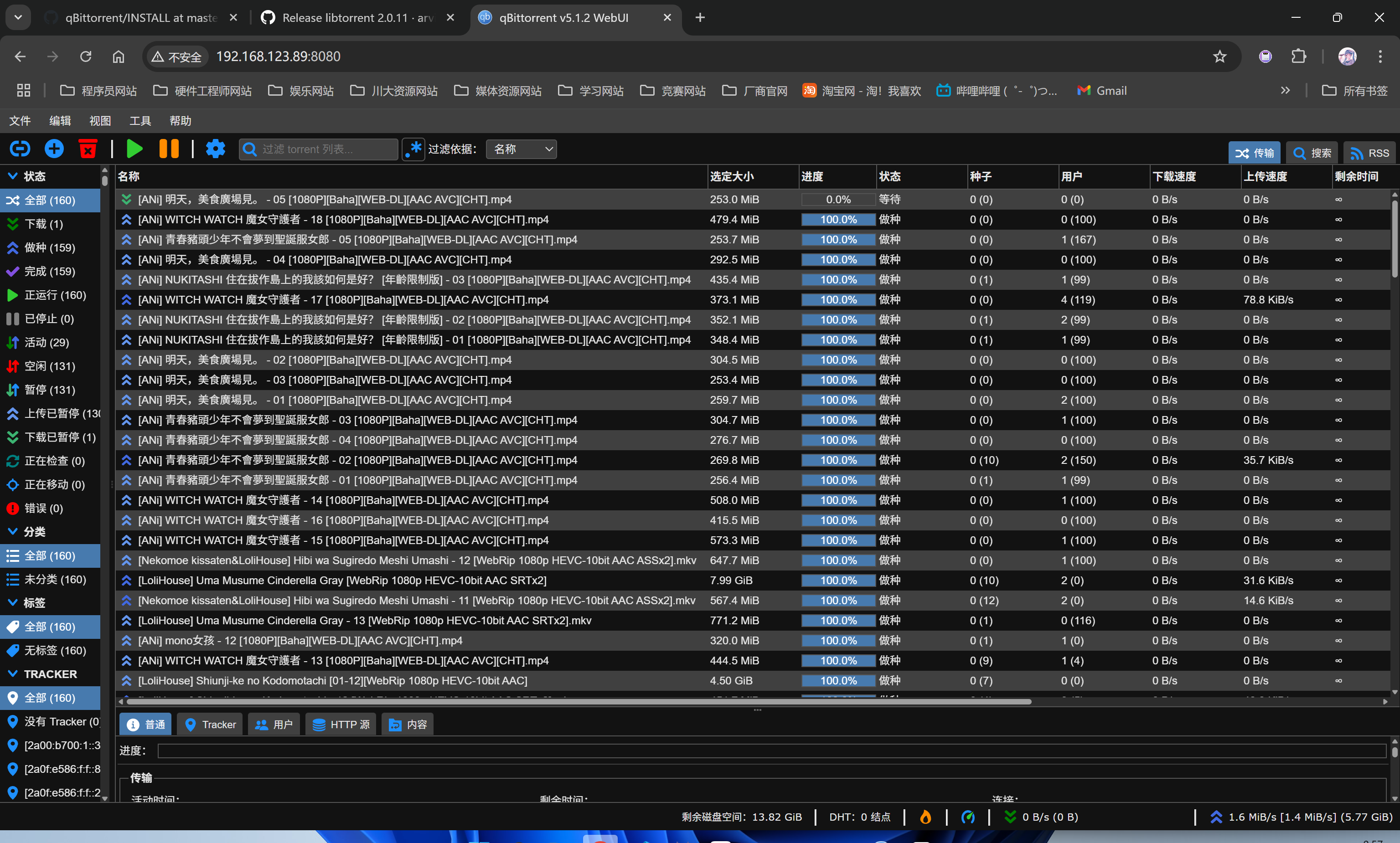
访问webUI界面,调整代理设置(相关教程比较多,不再赘述),测试RSS订阅,均能流畅运行。